AI for invoicing: the fastest route to getting paid on-site

TradeSmith is the AI invoicing app worth trialling if you’re a plumber, electrician or builder tired of typing up quotes at your kitchen table. It turns spoken job details into a finished, itemised invoice with a payment link attached, before you’ve even started the van.
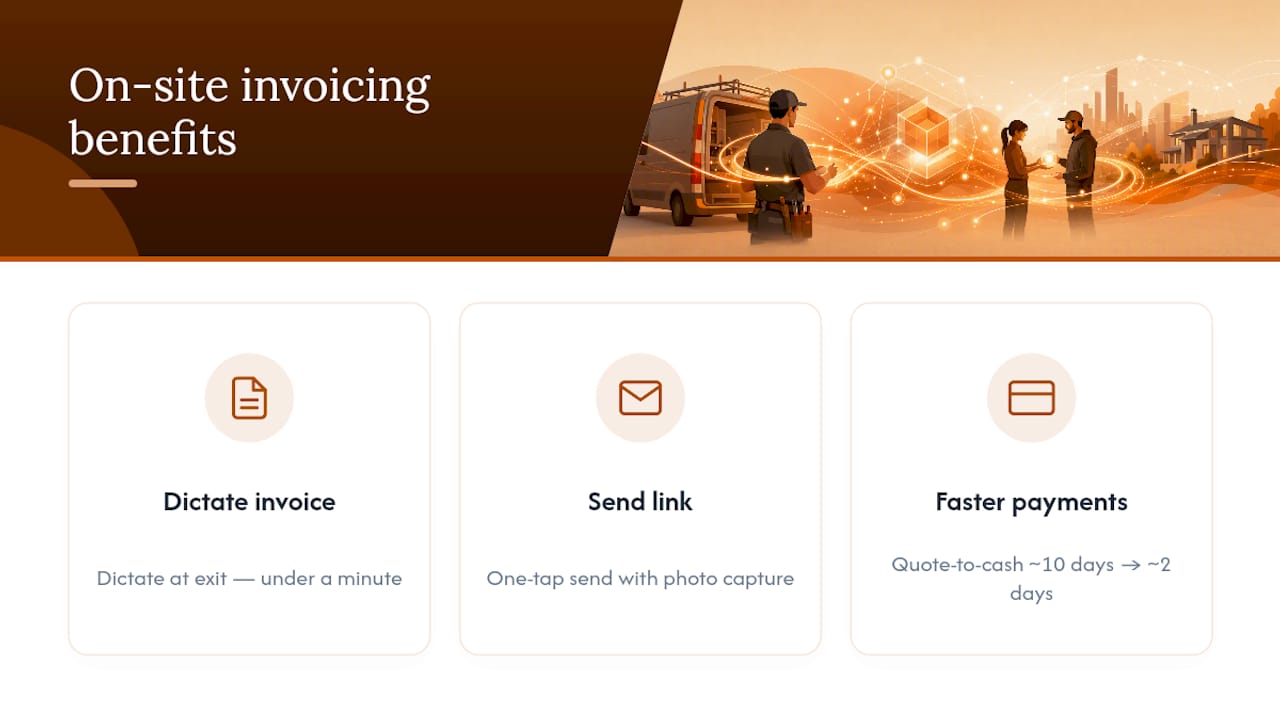
That matters because admin is what eats your evenings, not the actual trade work. One documented case saw a small trades business cut quote-to-cash from roughly ten days to about two after switching to on-site invoicing with card payment links and automatic sync to accounting software like Xero.
- The problem: paperwork done from memory, hours after the job.
- The fix: voice dictation that builds the invoice while you’re still standing in the client’s kitchen.
- The next step: start TradeSmith’s 14-day free trial and run it on your next three jobs.
Key Takeaways
Voice-first AI invoicing turns spoken job details into a sent, payable invoice before you leave the site, which is what actually shortens quote-to-cash and cuts evening admin.
| Point | Details |
|---|---|
| Speed matters most | Dictating on-site preserves details you’d otherwise forget by the evening. |
| Faster payment is documented | One case study saw quote-to-cash drop from ten days to two after adopting on-site invoicing. |
| Offline caching is essential | Basements and rural sites need invoices to save locally and send once signal returns. |
| Build an exit routine | Send the invoice with a payment link before packing up, not hours later. |
| TradeSmith fits the job | Offers voice dictation, payment links, offline support and Xero sync, with a 14-day free trial. |
Table of Contents
- What does “AI for invoicing” actually mean for tradespeople?
- What are the real benefits of voice-first, on-site invoicing?
- Which features actually matter in an AI invoicing app for trades?
- How do you build a 30-second invoicing routine into every job?
- Are AI invoicing apps accurate, private and reliable enough to trust?
- How much should you pay, and which plan actually fits your business?
- How does TradeSmith solve the invoicing problem in practice?
- Start your 14-day trial and test the exit routine on three jobs
- Frequently asked questions
- Sources
What does “AI for invoicing” actually mean for tradespeople?
Search that phrase and you’ll mostly find enterprise software for processing supplier invoices in big accounts departments. Ignore all of it. For a plumber or electrician, AI for invoicing means something far more practical: you talk, the app listens, and it builds a proper quote or invoice out of what you said.
The AI extracts job details, labour time, materials and prices from natural speech, then drops them into an itemised document ready to send. This guide isn’t about back-office invoice scanning or accounts-payable automation. It’s about the tools in-scope here:
- Voice dictation tuned to trade vocabulary and site noise.
- Semantic extraction that separates labour, parts and callout fees automatically.
- Auto-calculation of totals, VAT and any saved pricing rules.
- Payment link insertion, so the client can pay from the invoice itself.
- Syncing finished invoices to your bookkeeping software.
What are the real benefits of voice-first, on-site invoicing?
Dictating the invoice while you’re still looking at the finished job beats writing it up later, every time. You remember the extra socket you fitted, the second trip to the van for parts, the odd valve you swapped out, because you’re describing it as you see it rather than reconstructing it from a scribbled note three hours after leaving.
Field-service data backs this up. On-site mobile invoicing that combines saved line items, photo capture and one-tap send reduces disputes and speeds up payment, largely because the client reviews and agrees the work while it’s fresh, not weeks later when the details are fuzzy. Practitioners also report that voice input preserves conversational flow. You’re not stopping to type; you’re just talking, the same way you’d explain the job to a mate.
Pro Tip: Turn invoicing into your exit routine. The moment you pack the last tool away, dictate the invoice and send it before you drive off. It takes under a minute and it means the client pays while the work is still visible in their mind.
That same Sydney-based case study is worth repeating for the numbers alone: quote-to-cash fell from around ten days to about two once invoicing moved to the point of job completion, with card payment links doing much of the heavy lifting.
Which features actually matter in an AI invoicing app for trades?
Plenty of apps claim to use AI. Few are built around what actually happens on a real job site: muddy hands, patchy signal, a customer waiting to pay. Here’s what to check before you commit:
- Voice recognition trained on trade language — it should understand “two-way switch” or “22mm compression fitting” without you spelling it out.
- Saved services and materials — repeat jobs should populate with pre-priced line items in one tap.
- Quick line-item entry and editing — you need to fix a misheard word in seconds, not hunt through menus.
- Payment links built into the invoice — the client pays from their phone, no separate step.
- PDF output, signature capture and photo attachments — proof of work and proof of agreement, in one document.
- GPS and time stamps — useful evidence if a dispute ever comes up.
- Offline caching — basements, rural sites and thick-walled plant rooms kill signal; the app shouldn’t.
- Accounting sync — Xero or your existing bookkeeping software should update automatically, not need re-entry.
- Automated payment reminders — chasing invoices manually is the admin you’re trying to escape.
- Accessible support — you’re a tradesperson, not an IT manager, so onboarding needs to be simple.
How do you build a 30-second invoicing routine into every job?
A proper exit routine takes less time than locking the van. Here’s the flow:
- Open the job in the app before you pack up (5 seconds).
- Dictate the line items naturally: “Replaced the immersion heater, one hour labour, parts twelve pounds fifty” (15 to 20 seconds).
- Attach a photo and get a signature from the client confirming the finished work (10 seconds).
- Preview the invoice for a quick sanity check on totals (5 seconds).
- Send with the payment link attached, so the client can pay immediately (5 seconds).
- Confirm receipt once the app shows it’s delivered.
Small setup choices make this quicker every time you repeat it: save your five most common services, set your default VAT rate once, and switch on offline caching so a dead zone never stops you sending. Do this daily and it becomes as automatic as locking the toolbox.
Are AI invoicing apps accurate, private and reliable enough to trust?
Yes, provided you know what to check. None of these worries should stop you adopting a voice-first workflow.
- Accuracy: speak clearly, use short phrases, and always glance at the preview before sending. Most apps let you tap and retype any misheard word in seconds.
- Privacy and payments: look for encryption on stored data and PCI-compliant payment processing on any card link. A reputable provider states this clearly in its support documentation.
- Connectivity: offline caching means the invoice saves locally and sends automatically once signal returns, so a basement job never blocks payment.
Mobile billing systems that pull job-site data, photos, time stamps, parts, directly into the invoice also cut transcription errors compared with writing everything up from memory later.
Pro Tip: Always attach a photo of the finished work and get a signature on the spot. It’s the single easiest way to avoid a “that’s not what we agreed” dispute weeks down the line.

How much should you pay, and which plan actually fits your business?
Run the free trial before you commit to anything, and resist upgrading to features you’ll never use. Most solo tradespeople need far less than a five-person plumbing firm.
What actually matters when comparing plans:
- Per-user cost if you’re adding employees or subcontractors.
- Offline support as standard, not a paid add-on.
- Payment processing fees on card links, since these add up over a year.
- Integration limits with your accounting software.
- Caps on job records or attachments, which can bite a busy season.
During a one-week pilot, time how long each invoice actually takes to create, check that jobs sync cleanly to your bookkeeping, and test how quickly support answers a real question. Annual billing is usually worth negotiating once you know a plan fits.
How does TradeSmith solve the invoicing problem in practice?
TradeSmith was built specifically for this job, not adapted from generic accounting software. Voice dictation captures job details as you talk, saved services turn repeat jobs into one-tap entries, and offline caching means a signal-dead basement never delays a send.
Against the checklist above, TradeSmith covers it directly: voice-to-invoice entry, photo and signature capture, payment links on every invoice, automated late-payment reminders, and syncing to accounting platforms like Xero. It’s the same “van-to-paid” pattern seen in the Sydney case study, dictate on-site, send before you leave, get paid within days rather than weeks.
The 14-day free trial is unrestricted, so you can run it against three or four real jobs before deciding. Onboarding is built around people who’d rather be on a roof than in a spreadsheet, with support designed for exactly that.
A tradesperson’s honest take on switching to voice invoicing
The hardest part isn’t learning the app, it’s remembering to use it before you drive off. That one habit change, dictating the invoice as your last job-site task rather than your first evening task, is what actually saves the hours. Give it a week on real jobs before you judge it.
Start your 14-day trial and test the exit routine on three jobs
There are other ways to chase down admin, spreadsheets, generic invoicing software, or just doing it the way you always have at 9pm on the sofa. None of them turn a spoken job description into a sent invoice with a payment link before you’ve left the driveway. That’s the specific gap TradeSmith fills for trades businesses.
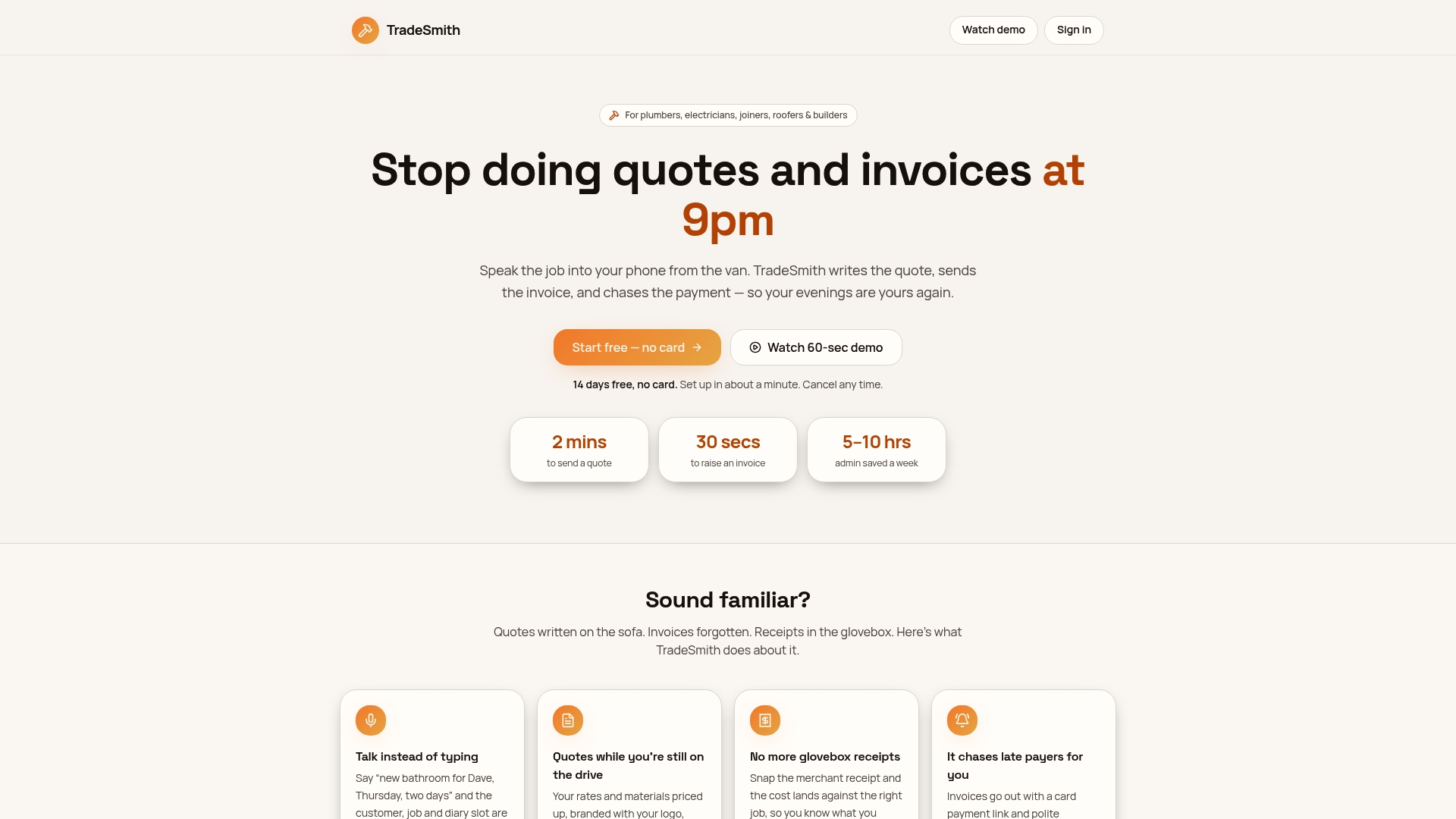
Start the 14-day free trial, set up your five most-used services, and run the exit routine on your next three jobs. During that week, check three things specifically: how well the voice recognition handles your trade vocabulary on a real noisy site, whether an invoice sent from a low-signal location actually delivers once you’re back in range, and whether the sync into your existing bookkeeping software works cleanly first time. If all three hold up, you’ve found your new normal.
Frequently asked questions
Does AI for invoicing replace my accountant? No. It handles quoting, invoicing and payment collection at the job site; your accounting software or accountant still manages tax filing and financial reporting.
Can I use voice invoicing without mobile signal? Yes, if the app supports offline caching. The invoice saves locally and sends automatically once you’re back in a coverage area.
Is it safe to take card payments through an invoice link? Reputable apps use PCI-compliant payment processing and encrypted data storage. Check a provider’s support documentation for specifics before relying on it.
How long does it take to send an invoice using voice dictation? Most tradespeople complete the full exit routine, dictate, attach a photo, get a signature, and send, in well under a minute once common services are saved.